37 Comments
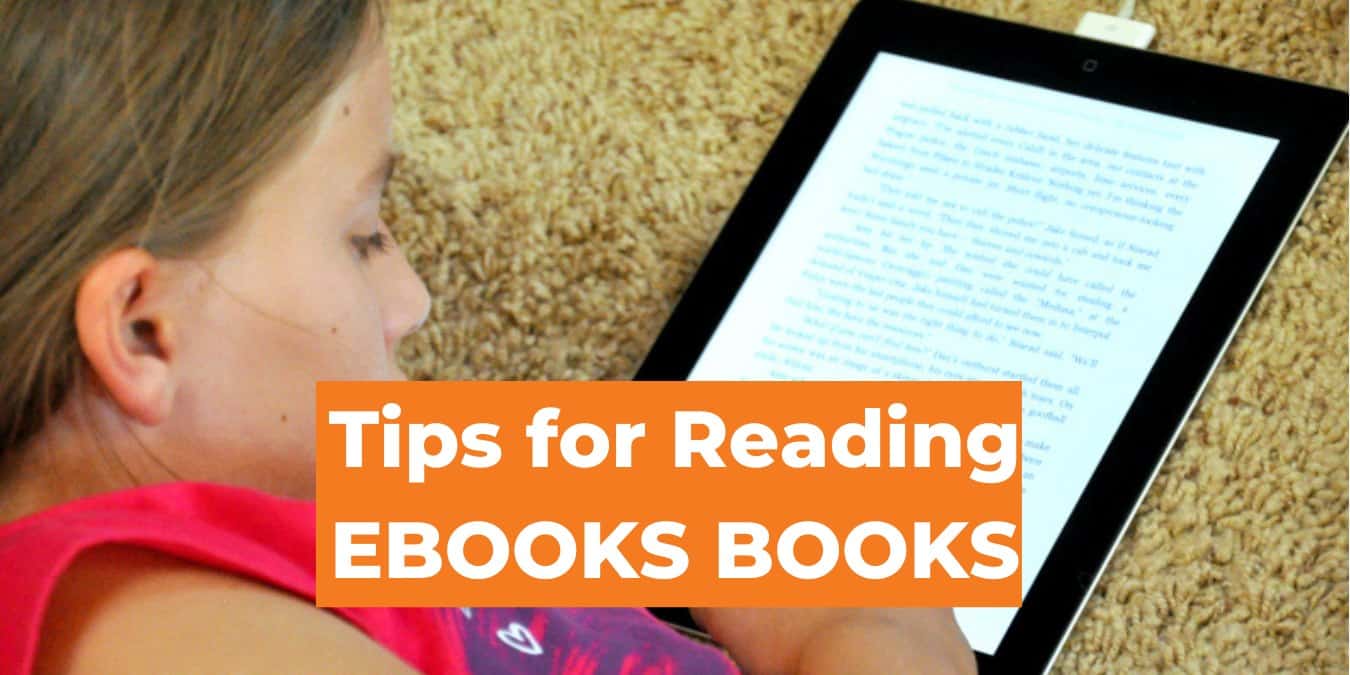
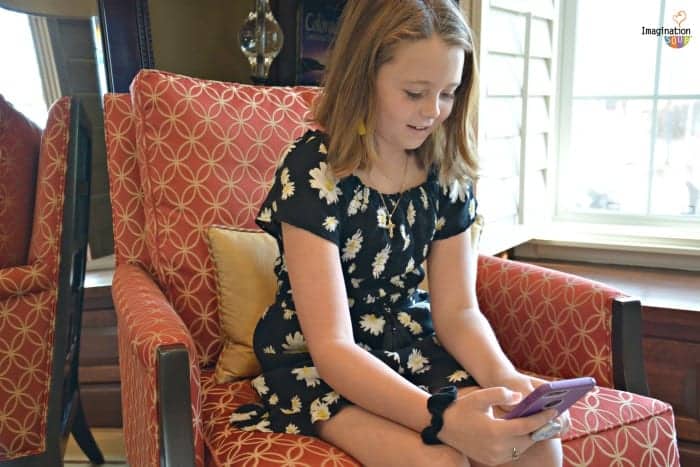
Since my husband got an iPad for work, we’ve found that it can also be a great learning tool for the kids. Since I’ve only downloaded educational apps, they’re forced to choose an educational option. (Insert evil mom-laughter here –> Ha, ha, ha.)
So, without further ado, here are my mom-approved, kid-tested eleven favorite iPad educational apps for elementary-aged kids, not including eBooks. *I’ll put eBooks and iPad apps for preschoolers in separate posts.
1. Baseball McGraw-Hill 1 – 6 Facts Hooks kids by using baseball to practice math facts.

2. Stack the States Clever way to practice geography. AJ’s favorite.

3. Beat the Computer McGraw-Hill We got this when it was free, AJ likes it.

4. Tangram Love this for learning spacial relationships.

5. Math Girl Addition House Motivating way to practice and learn math.

6. Star Walk Very cool astronomy for everyone.

7. Robot Tycoon fun way to teach kids about entrepreneurship.

8. Mad Libs (expensive) Great for storytelling and parts of speech.

9. Hangman – spelling fun.

10. Doodlefit – can you say visual / spacial?

11. Playtime Theater — lots of ways to be creative here. My girls are addicted.

More . .
- Even More Educational iPad Apps (November 2011)
- Best Children’s Books for the iPad (June 2011)
- Best Educational iPad Apps (Summer 2011)
RECENT POSTS:
Preschool Music from Juno That You Won’t Hate (Giveaway)
Get FREE Imagination Soup Updates!


Melissa Taylor is a mom and educator from Denver who is passionate about playful learning. Thanks for visiting the site!


37 Comments
[...] The Best Educational iPad Apps for Elementary-Aged Kids [...]
Awesome post! There are so many “educational” apps out there that it’s overwhelming. Thanks for cutting to the chase.
sure, glad you liked it!
Wonderful! You helped me narrow the chase down. Thank you. Downloading now…
Can you Guest Blog this on http://www.youthmuse.com?
[...] The Best Educational iPad Apps for Elementary-Aged Kids [...]
[...] The Best Educational iPad Apps for Elementary-Aged Kids [...]
[...] The Best Educational iPad Apps for Elementary-Aged Kids [...]
[...] Maternal Health for Mother’s Day [...]
[...] The Best Educational iPad Apps for Elementary-Aged Kids [...]
[...] The Best Educational iPad Apps for Elementary-Aged Kids [...]
[...] 10 Best Educational iPad Apps for Kids [...]
This is a great post. I’m going to download the visual/spacial apps you recommend. I strongly agree on Hangman and Stack the States. I have not yet bought Scrabble because I have not heard anything good about it except from you. The comments on Scrabble seem downright vitriolic.
We still try to search the best iPad App for my Boy
We love Stack the States too. Here’s some of our favorite educational apps (all free) for all ages: <>
Oops, the link didn’t take.
Trying again…. http://www.examiner.com/homeschooling-in-mankato/10-fabulous-free-educational-apps-for-kids
[...] Ten Best Educational iPad Apps for Elementary Students [...]
[...] – a learning game on the iPad [...]
Check out this site on facebook for abundant resources describing apps for children with special needs:
A4cwsn
Gary James also provides free apps on occasion! It is well worth the journey~
[...] 10 Best Educational iPad Apps for Kids [...]
Please permit me to introduce you to a new children’s educational game for the iPad and iPhone:
http://itunes.apple.com/us/app/counting-beads/id441820190?mt=8&ls=1#
Counting Beads is a totally fun way for children to learn numbers and letters of the alphabet. The numbers (or letters) appear as colored beads that you connect by dragging each bead into its next higher numbered bead. As you connect the beads in numbered order, you create a chain that follows the lead bead as you drag. This teaches the numbers visually. You can also move the bead chain by holding the device face-up parallel to the floor and tilting it slightly to let gravity roll the leading bead downhill. Even older folks can have fun with this amusing simple game.
A brief demo video of this app is available on UTube:
http://www.youtube.com/watch?v=6GwIbIZOQu0
[...] have much trouble with those apps relevant to our personal experiences; we keep up to date with educational apps for our children, navigation apps for family trips, business apps, time management apps, sports apps, and even apps [...]
[...] 10 Best Educational iPad Apps for Children [...]
[...] found more educational ipad apps that encourage thinking, creativity, and math practice. My six year old’s favorite are [...]
Who Am I Animals. A great educational app for little kids that can be played in english, spanish and portuguese. This educational trivia will teach toddlers about animals and their sounds. http://www.technolio.com/who-am-i-animals/
[...] Spring 2011 Educational iPad Apps [...]
I like Splash Math. They are creating iPad apps for grades 1-3 (more grades are coming) which address the changing curriculum across the country. They are Common Core aligned and help fill those gaps between current standards and common core. The kids LOVE it: the graphics are amazing and parents get progress reports.
Trunky Learns Letters – very cute game to practice spelling for early readers
A great app for toddlers ” Farmyard! ” check it out
http://itunes.apple.com/us/app/farmyard!/id476634438?ls=1&mt=8
[...] 12 Educational iPad Apps (Spring 2011) [...]
[...] Imagination Soup – a site featuring the 12 best educational apps for elementary kids. [...]
[...] 12 Educational iPad Apps (Spring 2011) [...]
[...] 4. 10 Best Educational Apps for the iPad [...]
A new one for practicing music – Recorder Master by JoyTunes: http://www.joytunes.com/ipad
A fun and educational way for kids to practice the recorder (plastic flute) using the actual instrument as the controller to an iPad game.
A new one for practicing music – Recorder Master by JoyTunes: http://www.joytunes.com/ipad
A fun and educational way for kids to practice the recorder (plastic flute) using the actual instrument as the controller to an iPad game.
[...] Imagination Soup [...]
It is so amazing you’ve shared this info here! this article saved me out lot of time.
I was just looking for some smart apps for kids to help them improve.